Readable contrast and color tokens
Responsive layout and spacing
Typography and clear visual hierarchy
Keyboard access, focus states, and semantic HTML
Fast-loading pages and optimized images

A practical guide to learning web development, finding clients, and building a sustainable freelance business.
There are different types of freelancers. The first step is to figure out where you will start and then learn the technologies needed.
Simple static websites like landing pages, small blogs, portfolios, etc .
Tech stack: HTML for structure, CSS for layout and styling, JavaScript for interactions; add Tailwind or Bootstrap when a project benefits from a ready-made styling system.
Pricing: Low
Customizable sites with Wordpress, Shopify and other GUI tools and Custom Code.
Tech stack: HTML, CSS, JavaScript, and a CMS or site builder such as WordPress, Shopify, or Webflow. Learn PHP when you need to customize WordPress or build PHP applications.
Pricing: Medium
Builds more complex web apps using frontend and backend frameworks.
Tech stack: TypeScript or JavaScript, a UI framework such as React, Vue, or Svelte, Node.js or another backend, APIs, SQL databases, authentication, and deployment.
Pricing: High
Specializes in an area such as e-commerce, accessibility, performance, workflow automation, or useful AI integrations.
Tech stack: Learn the client problem first, then choose focused tools. For AI features, include secure API handling, cost limits, and human review.
Pricing:VeryHigh
The structure of your web pages
The style of your web pages
Interactivity, browser APIs, and reliable application code
Start with semantic HTML, modern CSS, JavaScript, Git, and browser developer tools. Add TypeScript as projects grow, and check accessibility and browser support early.
Learn the basics of design. You do not have to be a full-fledged graphics designer; templates can help you start, but adapt them to the client's brand and users.
Readable contrast and color tokens
Responsive layout and spacing
Typography and clear visual hierarchy
Keyboard access, focus states, and semantic HTML
Fast-loading pages and optimized images
WordPress remains a practical option for clients who need to publish and update content themselves.
Choose a CMS when it fits the editing workflow. Learn themes, blocks, plugins, backups, security
updates, and performance; consider a headless CMS when content must serve multiple apps.


PHP is the server-side language behind WordPress and many existing websites. Learn enough PHP to safely adjust a theme or plugin when that is part of the work.
Learn one stack well, then choose tools to fit the content, hosting, and maintenance needs of each project.
TypeScript with a UI framework such as React, Vue, or Svelte
Full-stack frameworks such as Next.js, Nuxt, or SvelteKit
Content-focused sites with Astro or a CMS such as WordPress
REST or GraphQL APIs, authentication, and SQL basics
Use MDN Baseline to check browser support for web features

If you plan on taking on clients, there are some things you need to do to get your business going.
Business name or your own name?
Find out the requirement for registering a business in your area.
Create or Open a business banking account.
DBA (Doing Business As)
Sole Propietorship
LLC (Limited Liability)
S-Corp (For-Higher Income)
Wheather you decide to start an actual business or work as an individual, you should have some branding for your online presence.
Select a color pallete. I would also suggest creating a logo even if you are working under your name.
Take a good picture of yourself that you can use with your social accounts and job websites
Write down your business plan and execute it.

Your portfolio helps clients see how you solve real problems. Show a few finished, responsive projects with live demos, source code where appropriate, and a short explanation of your decisions.
When you are starting out, use original practice projects. Include accessible navigation, good loading performance, and clear mobile layouts in each case study.

X (Twitter)
Linkedln
Blog Articles
Stack Overflow
GitHub

Now it's time to expose yourself as a freelancer. This includes both freelancing websites and other methods.
Upwork.com
Freelancer.com
Fiverr.com
Toptal.com
Upstack.co
Guru.com
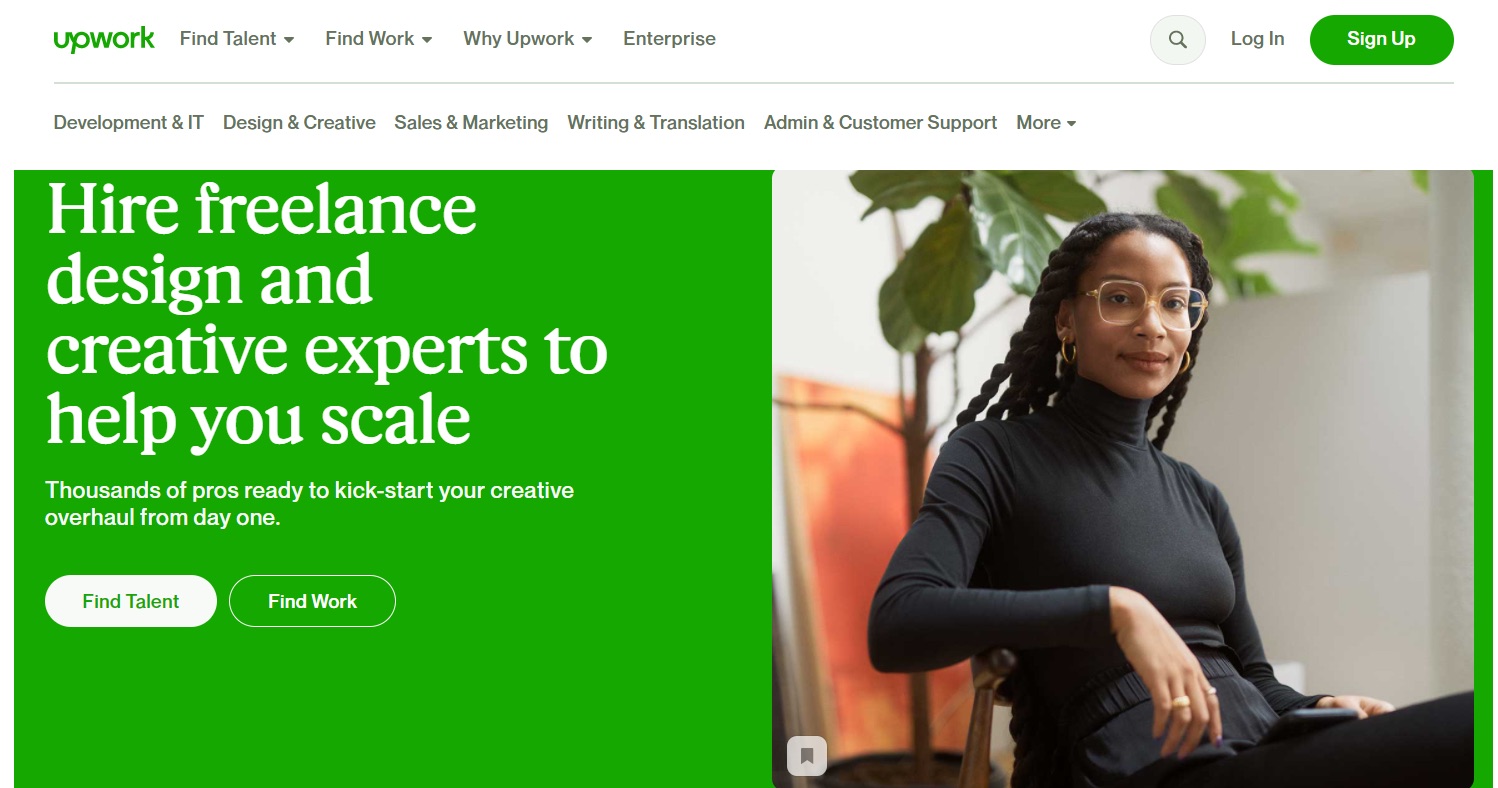
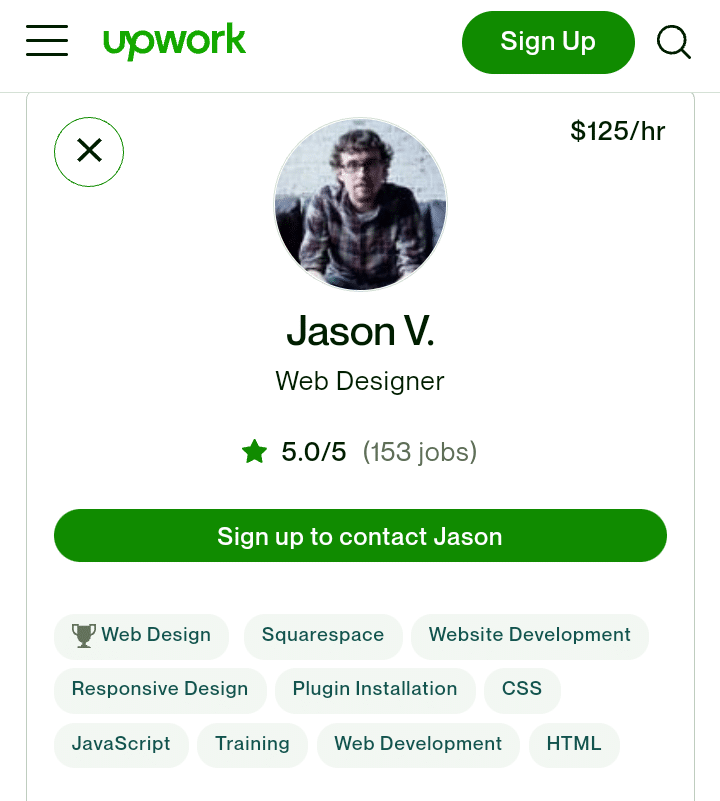
Captivating Title & Description
Clear & Professional Picture
Portfolio & Past Work
Past Client Work
Categorize Yourself Correctly
Come up with a pricing scale. There are many pricing methods:
Hourly
Fixed (Project-Based)
Ongoing Pricing

Target Income + Work Hours per Year = Hourly Rate
$100,000 / 1,560 hours (30 hrs/week * 52 weeks) =$64/hr
Now you can start applying for jobs on freelancing sites.
You should apply to as many as you can, but be sure that you are
qualified for whatever you apply to.
When you apply for a job, You will write an initial proposal.
Learn how to write excellent proposal that grab clients' attention and increase your chance of landing jobs.

Local Outreach
Cold Emails
Content Creation
Referrals & Word Of Mouth
Social Media
Friends & Family
Freelance Agencies
Directories Like Yelp
Networking, Conferences & Meetups
Now it's time to get to work. You may have a rough start, but you will eventually have a smooth workflow for each project.
Have an initial discovery phrase where you talk to the client and ask questions and get all of the information that you can as well as any assets including images, content, etc

Deliver your proposal along with a contract to be
signed that
outlines the work to be done, deadline,
budget and payment schedule.
Paypal
Venmo
Stripe
Grey
Freshbooks
Bonsai
GrabrFi
BookiPi
Invoicely
Payoneer
You will need a way to collect payment from your client. There are a lot of different options for this. Find one that makes it very easy for the client to pay.
After the initial consult, have regular updates about the project including what you've done and what you are currently working on.

Choose tools that fit the task and your budget. Learn the workflow behind a tool so you can switch products without losing the skill.
Development Tools (Editor, IDEs, Extensions)
AI-assisted coding: use editor suggestions or agents to explain code, draft tests, and handle bounded tasks; review every diff and run the tests yourself.
Testing and quality (Playwright, Vitest or Jest, ESLint, and formatting tools)
Accessibility and performance (keyboard checks, Lighthouse, Core Web Vitals, and browser support)
Version control and collaboration (Git, GitHub, or GitLab)
Package and build tools (npm or pnpm, plus Vite where it fits)
APIs and data (REST, SQL/PostgreSQL, and managed services when appropriate)
Deployment and monitoring (Vercel, Netlify, Cloudflare, and error reporting)
Project planning and time tracking (choose tools the client and team will maintain)
Try one assistant and one coding tool first. These products overlap and change quickly, so choose by task, access, privacy settings, and cost rather than trying to master them all.
Client-data rule: Never paste passwords, API keys, private customer data, or confidential source code into an AI service unless the client has approved that service and its data settings. AI can be wrong; verify facts, licenses, security, and generated code.
With every client, you have an opportunity to turn a one-time project into a recurring service and make an ongoing income.
As a freelancer, you can gain some of the following skills to provide ongoing services
Website Maintenance
Tech Support
Search visibility and content updates
Accessibility and performance improvements
Web Hosting
Content Writing
Security updates, backups, and uptime checks
Picth ongoing work to clients where it makes sense.
$5000
1 Website
1 Year of Hosting
2 Hours Maintenance Per Month
$100/month after first year
There will come a time where you will need help in order to keep growing. You can start to think about outsourcing or possibly hiring employees.
You can search for help on the same freelance Websites where you aply for jobs.
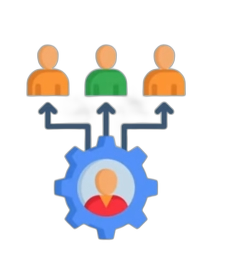
You can hire in-house employees, just know that it starts to get a bit more
complicated. if you are a sole Propietorship, you will need to
change to
an LLC or S-Corpnand add payroll services.
Having employees can be a lot of work can cause some stress,
but it can
really bring your business to the next level and bring you
from
freelancer to an employer and the owner of an agency.
In addition to hiring, you can scale your business in terms of expanding your workspace, license or white-label your work, offer things like consulting and coaching and more.